

Dining room · Variant and drop
Zen Rattan Pendant
Choose between the 19.5- and 27-inch shades, then select the mounting option. Check the total installed drop for the shade you picked.
Compare Zen optionsSearch
Don’t leave your cart
Don’t go without getting 10%
HERE’S AN EXTRA 10% OFF
Your cart is waiting for you.
Time is ticking!
Extra 10% off for your cart
Expires in
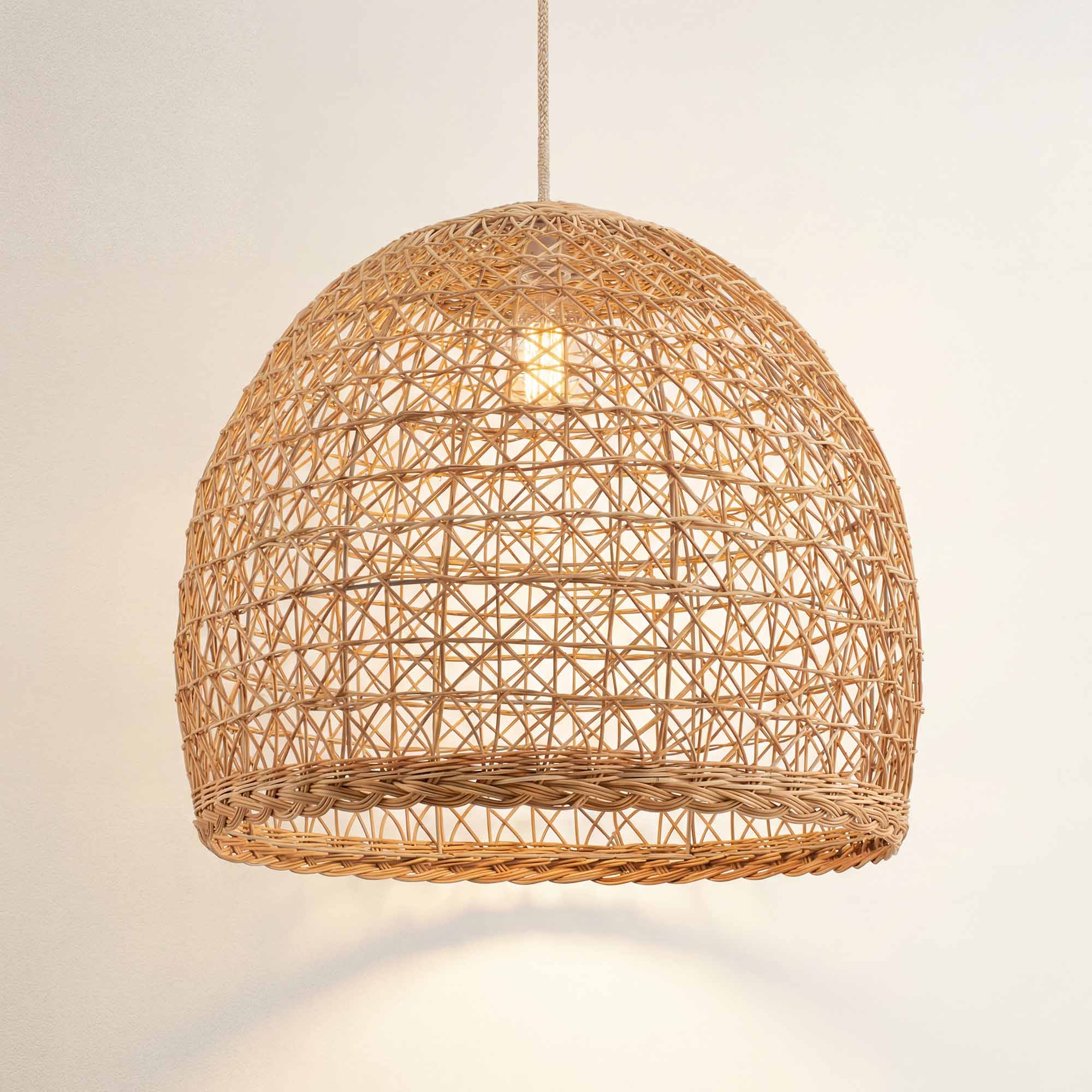
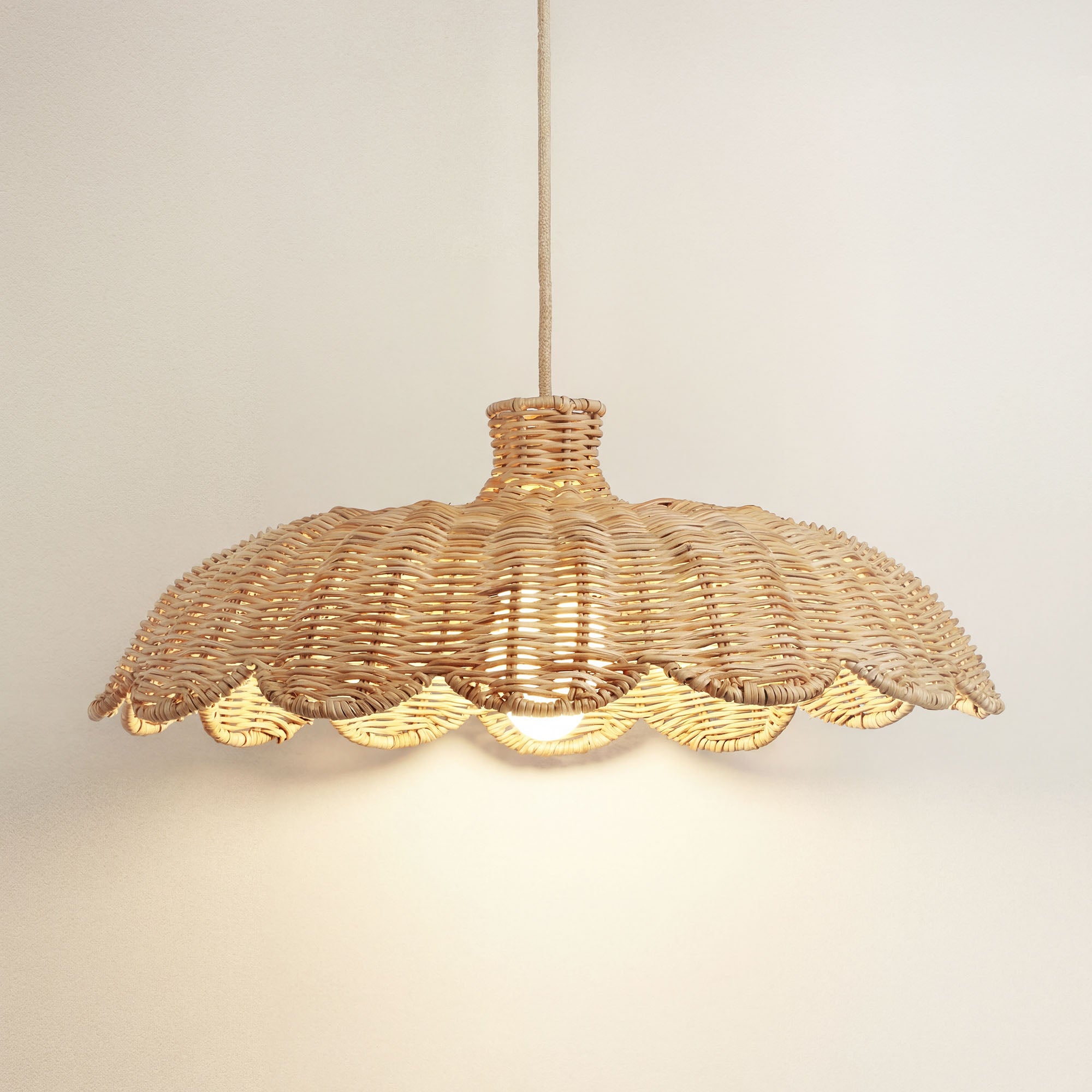
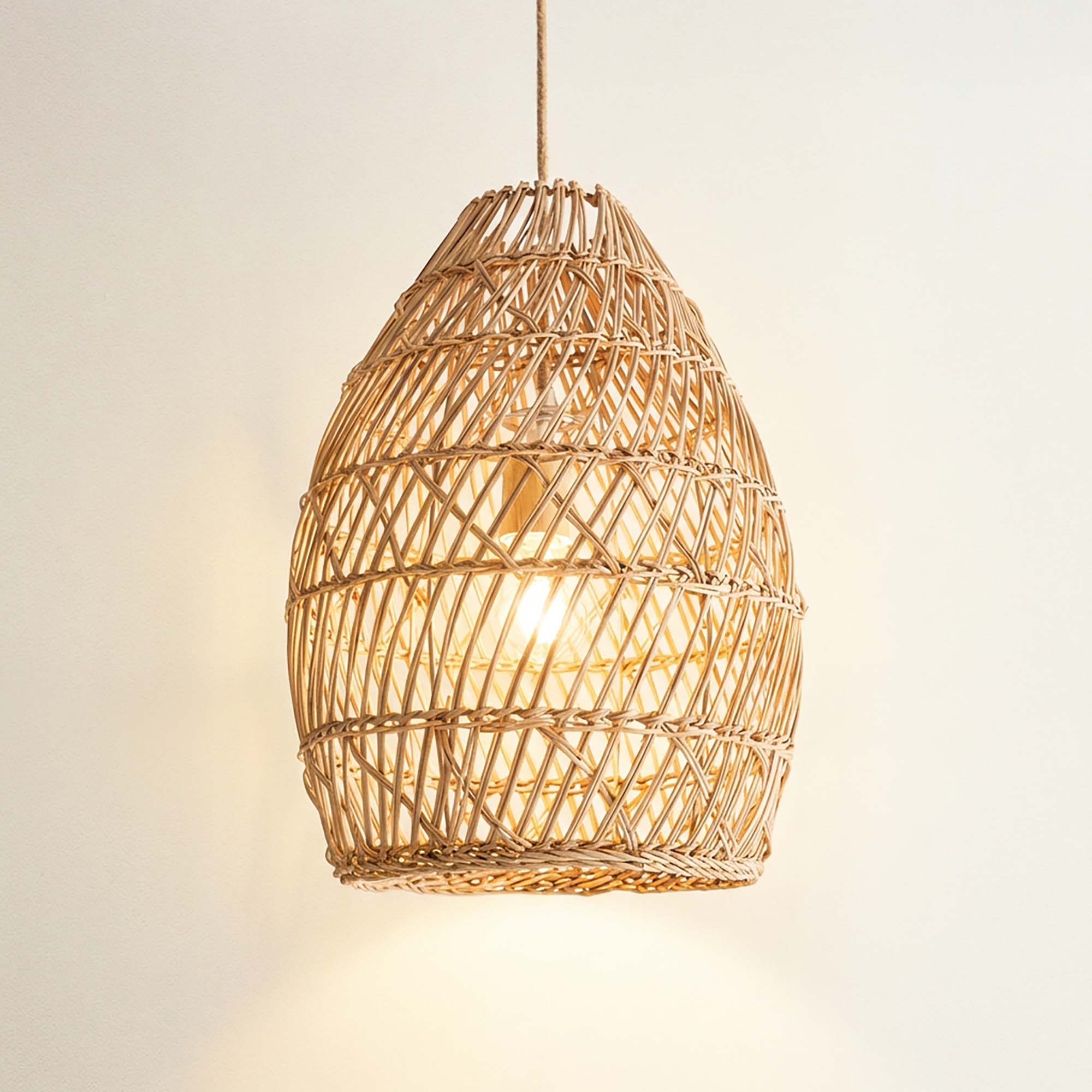
Check what fits, what comes in the box and what has to happen before installation day. Keep your measurements handy as you compare fixtures.
Start the order checklist
Save the exact variant, measure the installed fit, check what ships in the box, confirm delivery for your ZIP code and set aside time to inspect the order before installation.
Mark each step when you’re ready.
Match the shade size, finish, mount and quantity to your cart.
The same shade can come in different diameters and mounting configurations. Select your options on the product page first, then check the cart line against your notes. For a pair, verify that both fixtures have the same finish and mount.
Rowabi example. Zen offers 19.5- and 27-inch shades and lists shade-only, ceiling hardwire and wall plug-in options. For Kloe or Sepherina, check the cord guide if you want a natural finish at a shorter drop. Compare Kloe and Sepherina cord options.
Check the shade width, total drop and clearance around doors or seating.
Calculate how many pendants fitDining table. Measure the table as you’ll use it for Christmas dinner, including any leaf. Check the shade width against the tabletop, then check sightlines from a chair. Rowabi’s guide uses 30–36 inches between the tabletop and the bottom of the shade as a starting point.
Kitchen island. Measure the full counter and mark the proposed fixture centers with tape. Check the shade edges against the ends of the island, then look across the island from each seat. Work through Rowabi’s island spacing guide.
Entry or hall. Measure to the lowest point of the fixture and open the door all the way. For sconces, check how far the shade projects into the walkway and where it sits beside the mirror or trim.
A 108-inch ceiling, 30-inch tabletop and 34-inch gap leave a 44-inch total drop from ceiling to shade bottom. Compare 44 inches with the fixture’s installed range, which accounts for the shade and mounting hardware. For a sloped ceiling, take the ceiling measurement at the actual mounting point.
Check Rowabi’s pendant size guide or compare hanging heights by room.
Confirm the included hardware and the right bulb for your fixture.
Read the product specs and assembly PDF for the option in your cart. Check for the shade, socket, canopy or wall plate, cord or rods and mounting hardware. Confirm whether the bulb is included. If you need to buy one, match the listed socket, bulb shape and maximum wattage. If you plan to dim it, check the fixture, bulb and dimmer together.
For a sloped ceiling, confirm the selected mount is compatible with the actual slope. For a porch or bathroom, verify the location rating for that model. If two sections of a listing give different specs, ask Rowabi to confirm the exact variant before adding accessories.
See how Rowabi checks the canopy and cord for a sloped ceiling.
Confirm the arrival estimate for your variant and ZIP code, then allow time to inspect it.
Start with the day the room needs to be ready. Leave room for the installation appointment and time to inspect each box. Then check availability and the delivery estimate for the exact variant and destination.
Check your unit number and ZIP code. If timing is tight, send Rowabi the product link, selected options, quantity, ZIP code and date you need it installed. Check the return terms before checkout. Rowabi’s policy excludes items marked Final Sale from returns and exchanges.
Share the fixture specs and measurements with your installer.
Send your installer the exact product link, mounting option, photos of the ceiling or wall, and the planned height and spacing. Ask a qualified electrician to confirm the connection and mounting for a hardwired fixture. For a pair or trio, share your marked fixture centers as well.
When the order arrives, compare the finish, shade size and parts with your order. Check for damage before confirming the appointment, and keep the packaging until you’ve checked the fixtures. Use the manual for the specific fixture and mount. Open Rowabi’s pendant installation manuals.
Enter the actual dimensions in inches and the shade’s widest measurement. For an extendable table, measure it with the leaves you plan to use.
Enter your measurements to see a layout.
Use this as a starting layout. Check sightlines, light coverage and ceiling box locations before ordering. Island spacing guide · Pendant size guide
Fill this out for each fixture. Print it or save it as a PDF to share with Rowabi or your installer.
Open the product page and check the dimensions and options for the fixture you’re considering.
Dining room · Variant and drop
Choose between the 19.5- and 27-inch shades, then select the mounting option. Check the total installed drop for the shade you picked.
Compare Zen options
Entryway · Ceiling clearance
The 14-inch shade is a starting point for sizing. Check the overall mounted height against the door swing and walking path.
Review Vela dimensions
Console · Wall placement
Measure around the 10-inch shade. Ask for the mounted projection if your hallway is narrow, and check the hardwired connection.
Review Lanesra specsCheck availability and the latest estimate for your exact variant and ZIP code. Ask Rowabi to confirm the timeline if your installation date is fixed.
Check the selected shade’s attachment and ask Rowabi to confirm it fits your existing hardware. Share the product link and a photo or the model number of the hardware you have.
Cord length is one part of the installation. Measure the total drop from the mounting surface to the bottom of the shade and compare it with the fixture’s installed dimensions.
Mark both shade widths with painter’s tape or paper, then check the scale from your seat or from the doorway. Send Rowabi those photos, ceiling height and surface measurements if you’d like help choosing.
Ask about availability first. Confirm the appointment after all fixtures and hardware arrive and you’ve inspected each box.